iPhone Tip: Mark Messages on your iPhone as Unread
After you've read a message, the blue unread dot next to the message goes away, however there is a way to mark the message as unread. Once you've found the message you want to unread, click on "Edit". Select the message by clicking on it and click the "Mark" button on the bottom right of the screen. From here, a menu will popup with the choice to either flag the message or unread it. Click "Unread".
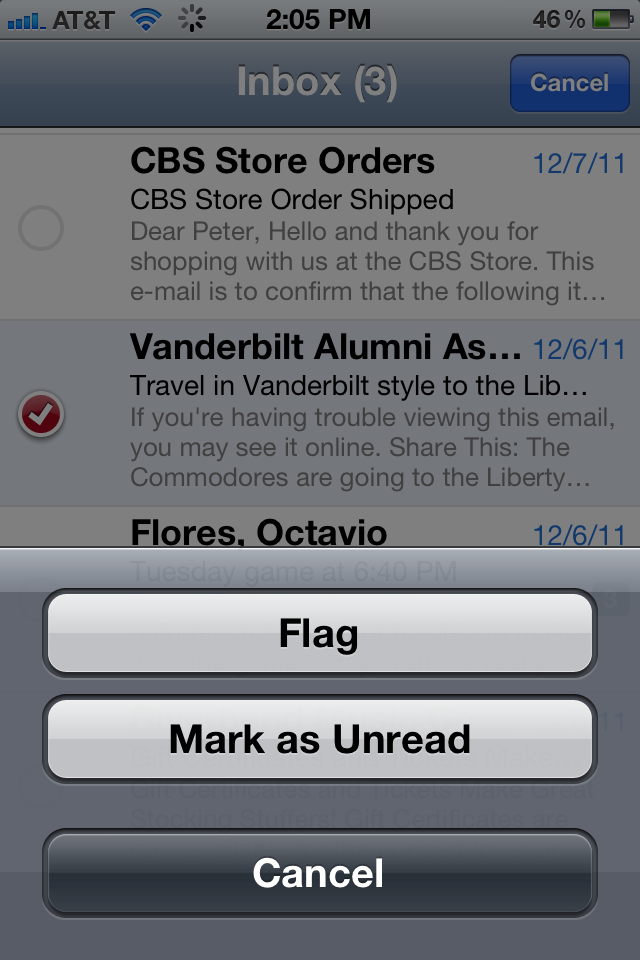
The blue dot signifying an unread message should pop up, and the message will show up as unread on all your devices!

If you are interested in selling your used iPhone, we offer the best pricing here at SellYourMac.com.